Overview
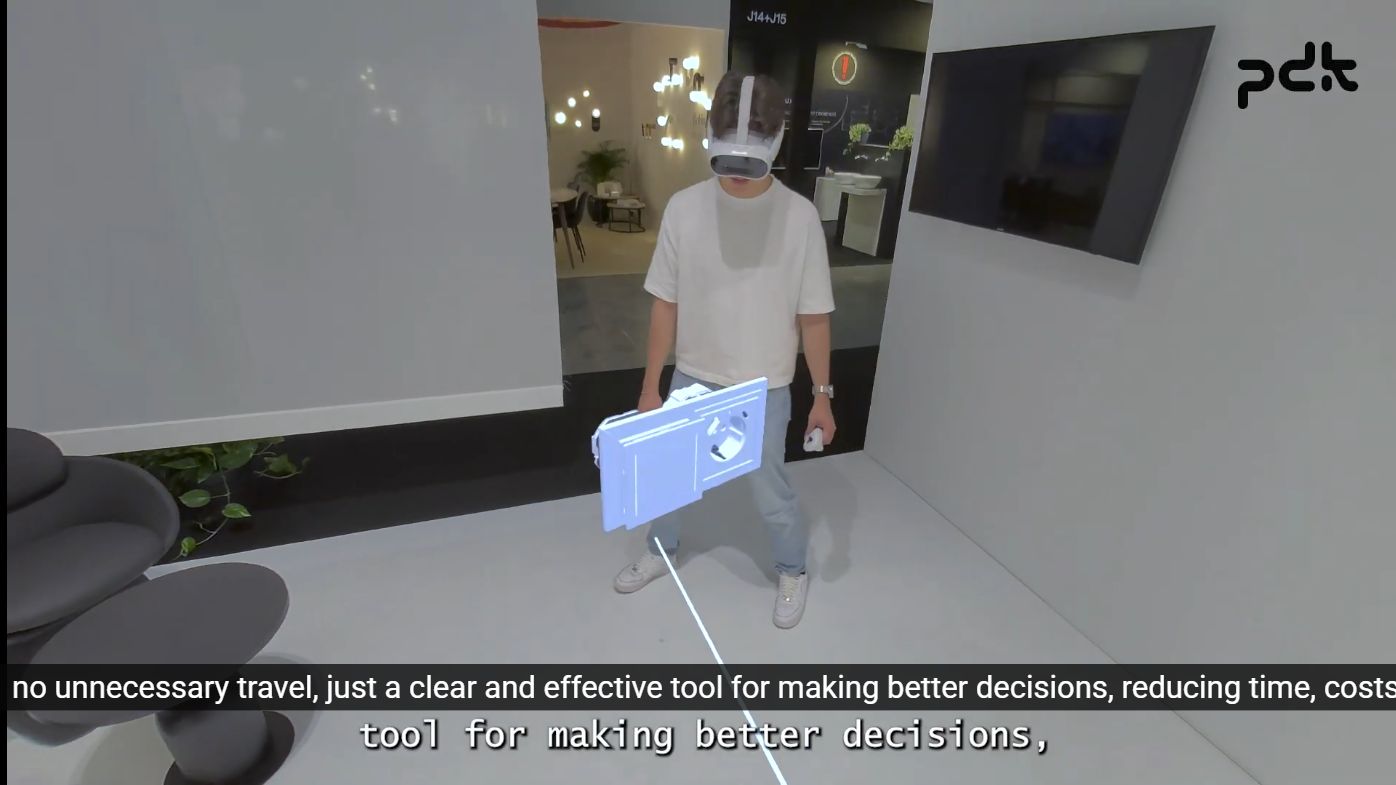
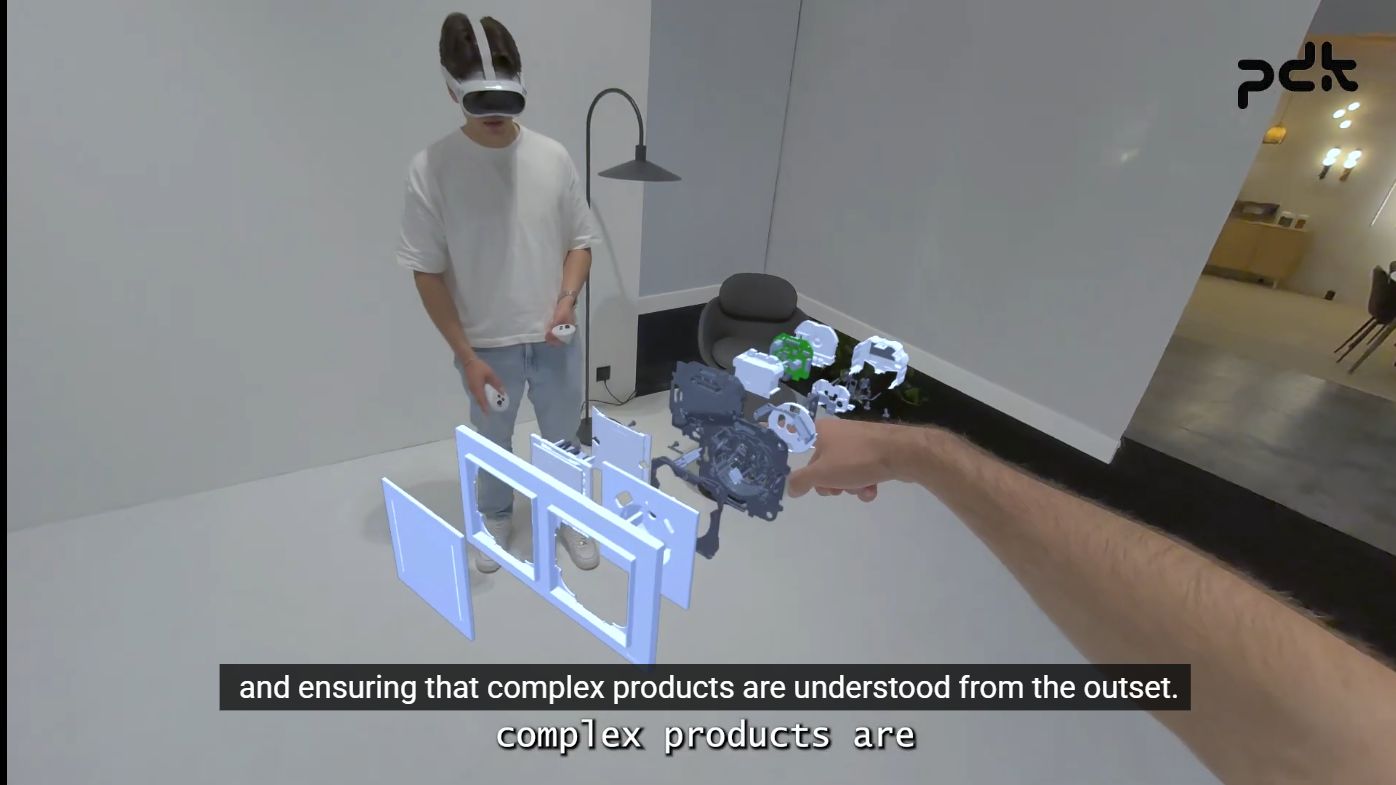
The Virtual Layer is a mixed-reality showroom built for product companies that need to present furniture, lighting, curtains, and other spatial products before committing to a physical prototype. Customers can enter the same online room, browse a product catalogue, inspect designs at one-to-one scale, compare variations, and make decisions together.
The problem
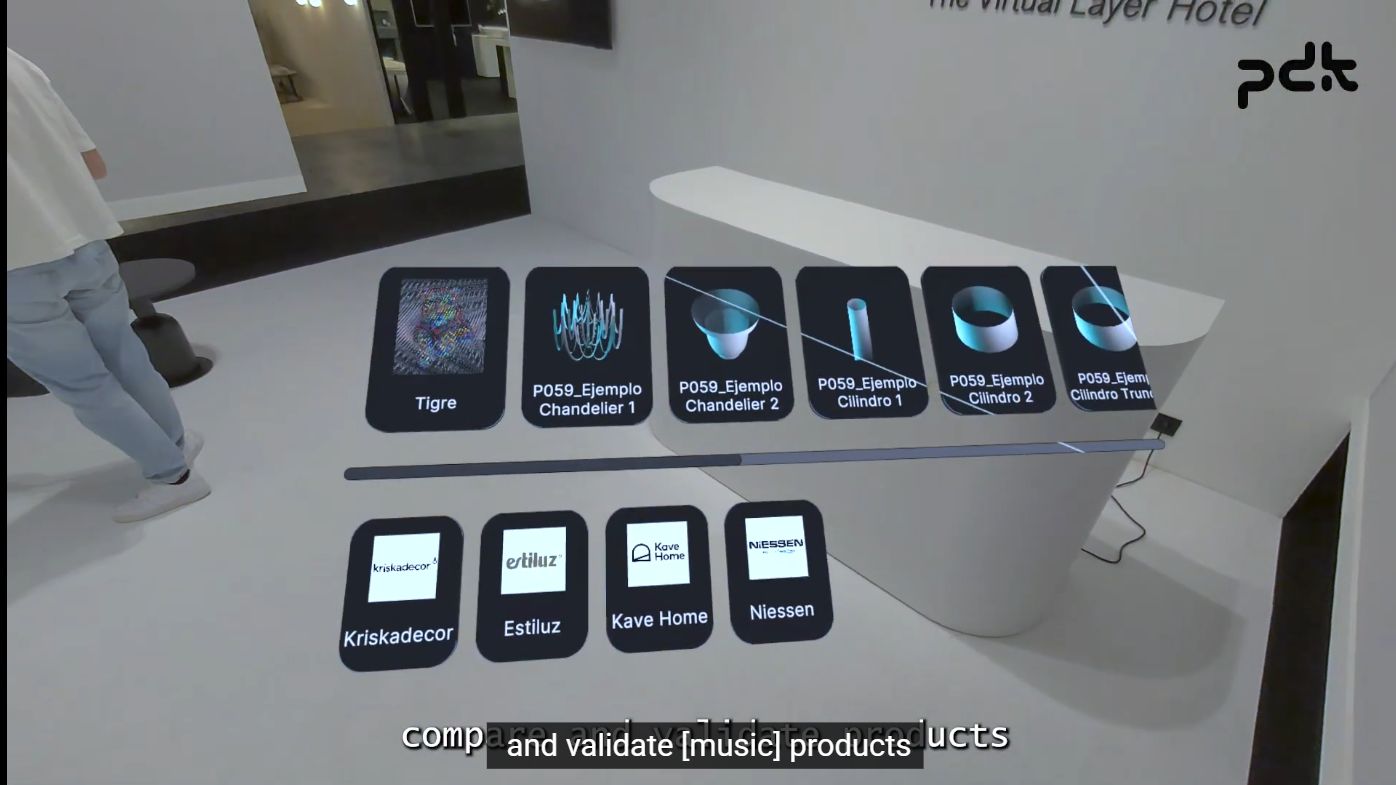
Many products are difficult to evaluate from a flat catalogue. Their proportions, materials, and relationship with the room only become clear when they are seen in context. Physical samples and prototypes are expensive to transport, slow to change, and hard to compare during a sales conversation.
The solution
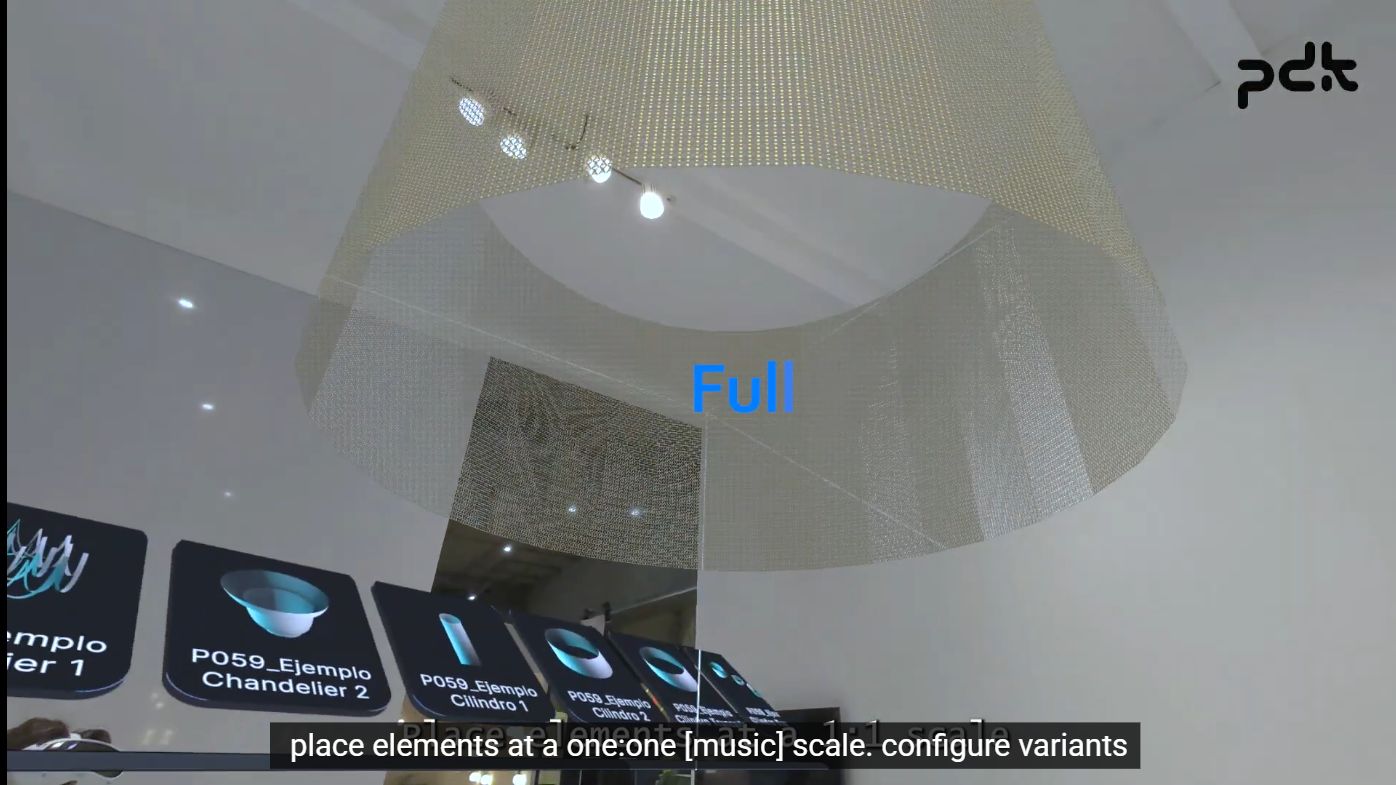
The app places digital product models inside a shared mixed-reality room. A user can select a product, bring it into the scene, inspect it from different angles, switch configurations, and compare the result at full scale. The experience is designed around a simple sales loop: visualize, compare, decide.
Spatial co-location without QR codes
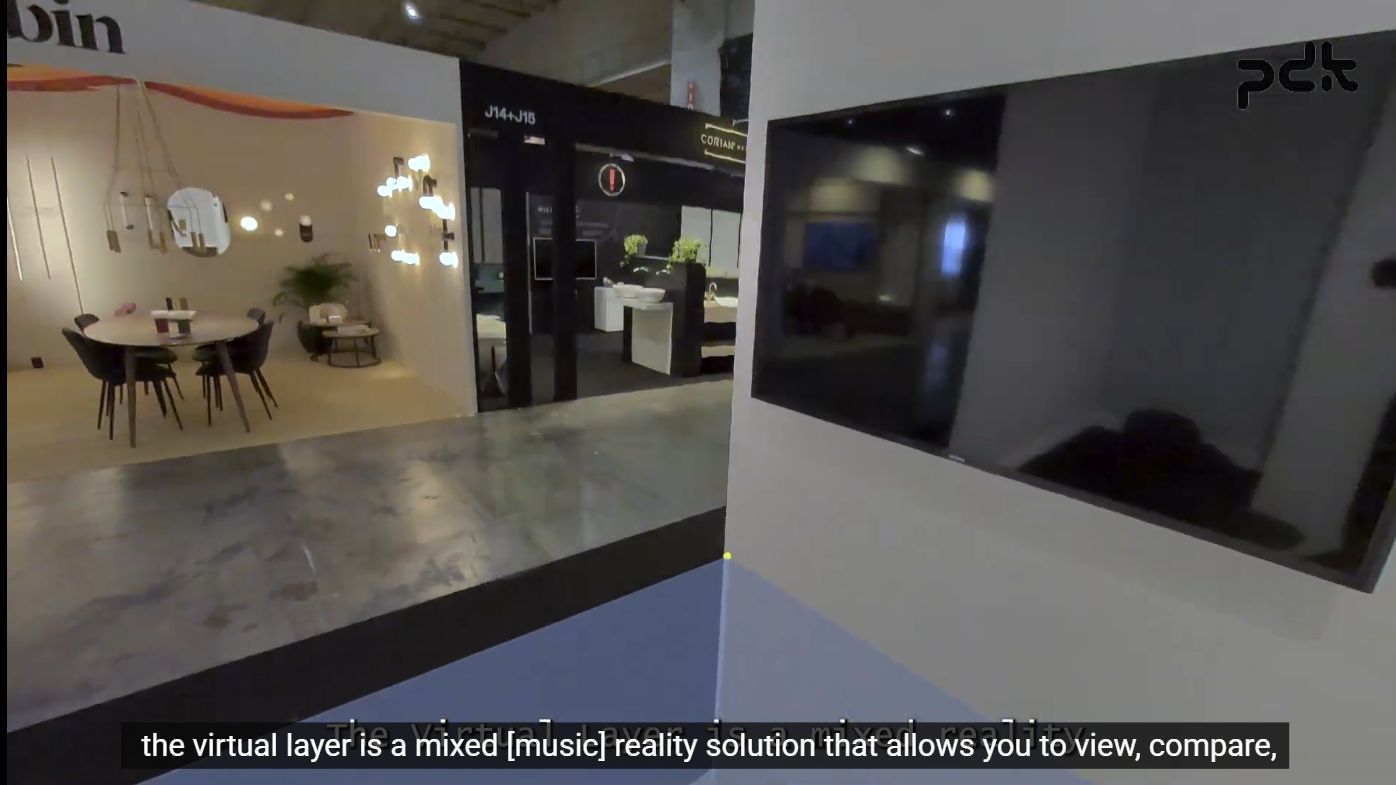
The most technically distinctive part was making two separate headsets agree on the same room coordinate system without QR codes or printed visual markers.
The implementation uses two virtual calibration references placed on the floor from the controller. AlignmentManager raycasts against the floor, uses the midpoint between the two references as the shared scenario origin, and derives the room heading from the direction between them. AnchorManager then creates persistent ARAnchor objects through AR Foundation, saves them, and loads them again when the app starts. The product showroom is kept under a common ScenarioRoot, so the same furniture pose can be reconstructed in each headset’s local tracking space.
This separates two problems that are easy to confuse: the headset tracks its own space locally, while the app establishes a stable shared reference frame on top of that tracking. The result is co-located content without asking the customer to place or scan a physical marker.
Networked showroom
The host is authoritative for the shared product state. When a product is placed or moved, NetworkFurnitureManager converts its world pose into a position and rotation relative to ScenarioRoot. Those local coordinates are sent through Netcode for GameObjects and reconstructed by each client against its own aligned root.
NetworkFurnitureSync stores the local position and rotation in server-write NetworkVariables, applies changes on clients, and interpolates the resulting world transform for smoother motion. When a new client joins, the host sends the furniture already placed in the room so the session starts with the same showroom state for everyone.
My role
Lead Developer · XR & Multiplayer
Responsibilities
- Designed and implemented the shared mixed-reality showroom in Unity.
- Built the headset co-location flow around floor references and persistent AR anchors.
- Implemented host-authoritative product spawning, movement, and late-join synchronization with Netcode for GameObjects.
- Integrated the product catalogue, brand categories, model variants, material changes, and one-to-one presentation scale.
- Replicated headset, hand, name, and colour information so participants can understand each other’s presence in the room.
- Tuned the interaction and presentation flow for a live product demonstration.
Engineering highlights
- Markerless co-location: a shared
ScenarioRootis derived from two floor references and persisted AR anchors instead of QR or image markers. - Local-space networking: product poses are synchronized relative to the aligned showroom root, making the network state independent from each headset’s raw tracking origin.
- Server-authoritative state: the host owns placement, movement, and deletion of networked products; clients receive the resulting state and interpolate it locally.
- Collaborative presence: head and hand transforms are replicated through networked XR player avatars.
- Designed for product decisions: catalogue navigation, full-scale inspection, material variants, and room context are treated as one continuous flow.
Stack
- Unity + C#
- Netcode for GameObjects 2.0
- AR Foundation 6.0
- OpenXR + PICO OpenXR integration
- Unity Multiplayer Services / Lobby flow
- XR Interaction Toolkit 3.0