Overview
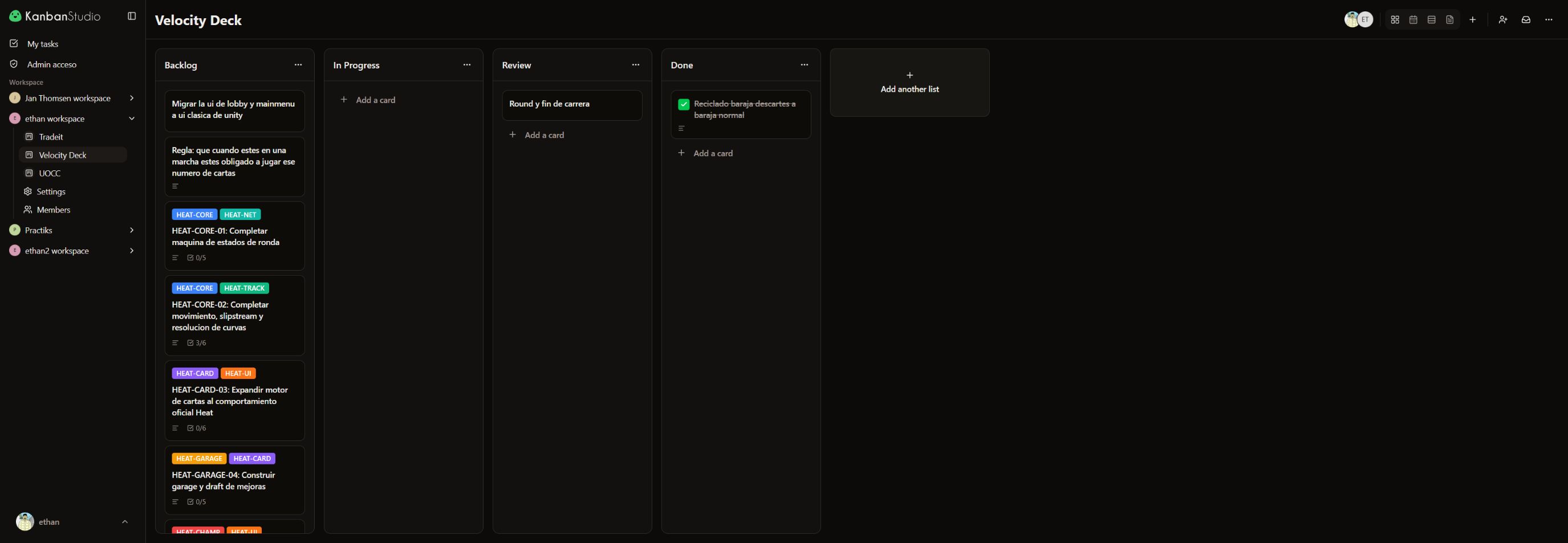
Kanban Studio started with a very specific need: I wanted a Trello alternative that matched how I organize product, development, and teamwork. Instead of adding another specialized tool for every stage, I built one place where a task can move from idea to delivery without losing its context.
The product combines Kanban boards, a dense list, calendar, timeline, documentation, timers, automation, and real-time collaboration. It also exposes the same work model to AI agents through MCP, so a person can organize the board visually while Claude, Cursor, or another compatible client prepares and updates tasks with traceable operations.
One body of work, several useful views
The central product decision was to keep a single source of truth for tasks while letting each stage of a project use the most useful view:
- Kanban for moving cards across stages and understanding flow.
- List for reviewing many tasks in a compact format.
- Calendar for working with dates and rescheduling visually.
- Timeline for planning spans of work from start and due dates.
- Documentation for turning structured card content into a navigable knowledge base.
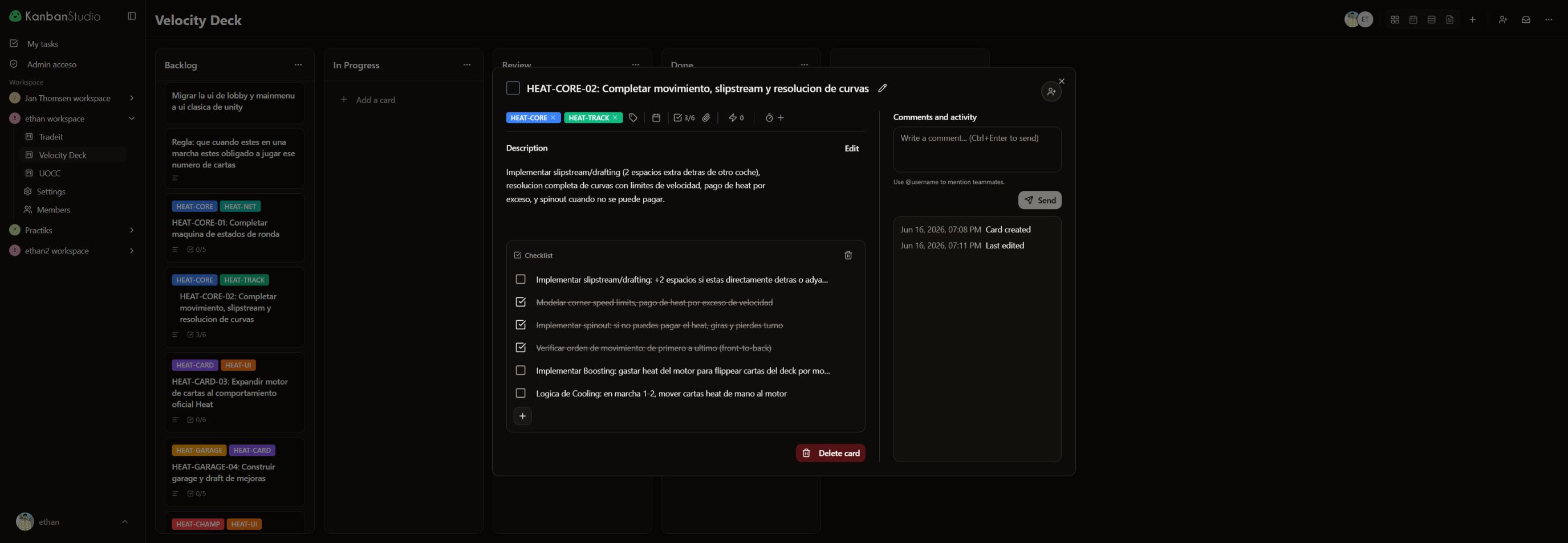
Cards bring together rich descriptions, labels, assignees, dates, attachments, checklists, comments, mentions, recurrence, and time logs. Switching views therefore does not split information or create parallel copies to maintain.
Collaboration without losing team boundaries
Workspaces group people and boards, while owner, admin, editor, and viewer roles define what each person can do. Boards can cross workspace boundaries when a project needs them to without making an entire workspace visible.
Inside a card, comments with mentions, multiple assignees, and the activity history keep the conversation next to the work. Timers and time logs capture real effort; recurring cards and automation rules handle repeated flows such as assigning people, adding labels, or setting a date after a change.
Making every interaction feel immediate
In a project management tool, a few hundred milliseconds between dragging a card and seeing it settle into place can change the entire feel of the product. I implemented optimistic mutations that update the relevant Convex queries —board, list, and card detail— before the server response returns.
I also built local IndexedDB snapshots that can render the last known board while live data arrives. Reconciliation makes sure a late cache read never overwrites a newer live query or optimistic update. The private shell is delivered early and each section owns its loading state, avoiding a single blocking screen for the entire app.
Drag and drop is built with dnd-kit and a pointer-anchored overlay that preserves the visual relationship between the cursor and the card. Moving work remains precise even when the source card and its preview have different dimensions.
A board that agents can use too
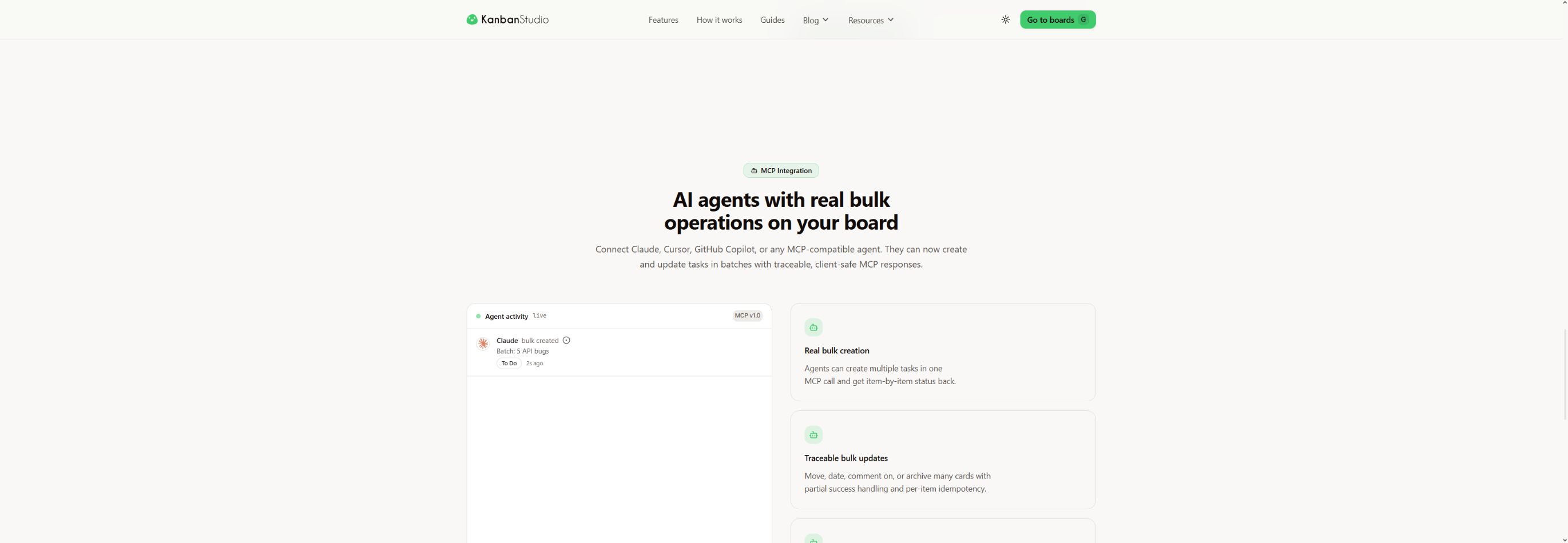
The MCP integration makes Kanban Studio a source of truth for Claude, Cursor, GitHub Copilot, and other compatible clients. The server provides tools to read boards, lists, cards, labels, comments, and checklists, together with individual and bulk write operations.
bulk_create_cards and bulk_update_cards accept complete task payloads and return item-level results. A batch can therefore report partial success without hiding the operation that failed. Authentication supports OAuth with PKCE and separate read/write scopes, alongside manageable API keys for controlled integrations.
Turning the application into a product
Beyond the project-management core, I developed the full path of a shipped SaaS: authentication, invitations, profiles, quota-aware storage, Stripe billing, Trello import, templates, public boards, localization, documentation, and an acquisition-oriented blog. The landing communicates one simple promise: every feature is included for teams of up to ten, without an expiring trial.
My role
Product · Full-stack
Highlights
- Designed and developed the product from the board workflow to the landing page and access model.
- Unified Kanban, list, calendar, timeline, and documentation views over the same cards.
- Implemented real-time collaboration, roles, mentions, assignees, timers, recurrence, and automation.
- Built optimistic mutations and reconciled local caching to keep board interactions immediate.
- Developed an MCP server with OAuth, scopes, API keys, and detailed bulk-operation results.
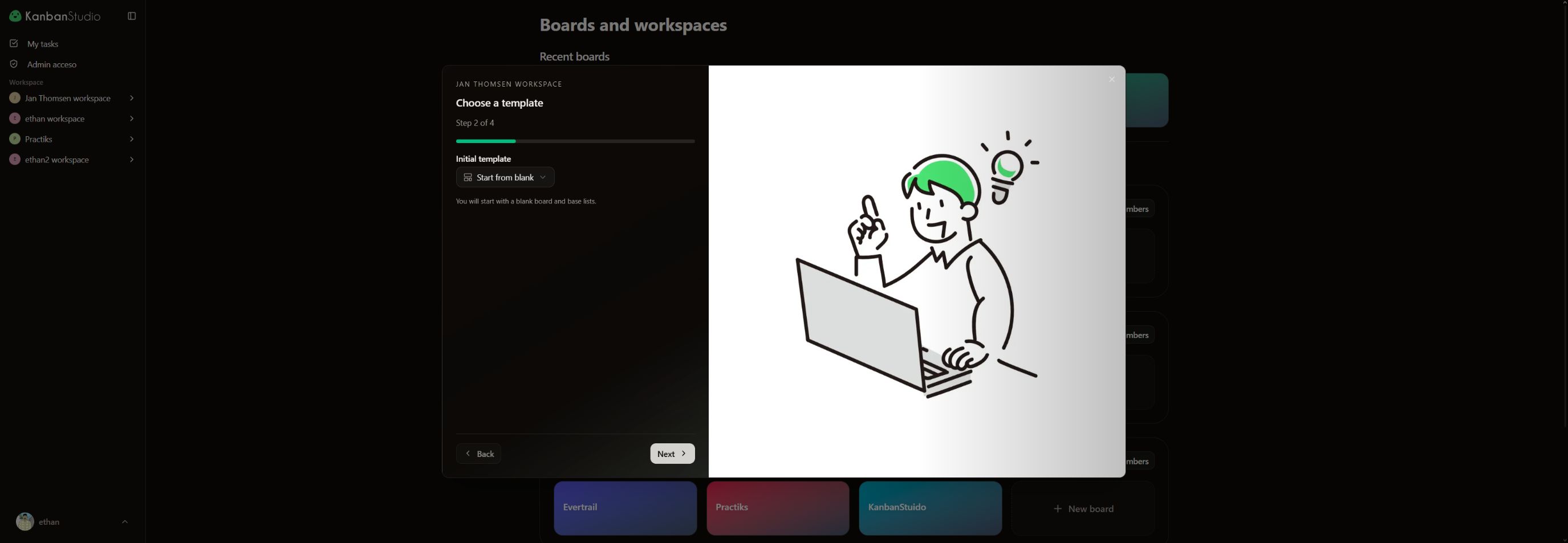
- Added templates, Trello import, public boards, billing, and localized product content.
Stack
- Next.js 16, React 19, and TypeScript
- Convex for data, realtime, storage, and backend functions
- Better Auth for sessions, OAuth, and MCP authorization
dnd-kit, FullCalendar, MDXEditor, Radix UI, and Tailwind CSS- Stripe for subscriptions and account limits
- Vitest for product logic, security, MCP, i18n, and route tests